
Click for larger image


Program for Inventor course
1. Subject
INTRODUCTION I Work Environment, Ribbon, Tabs, Browser, etc..
2. Subject
MODELING, Sketches, Working Planes, basic tools, working with Browser
3. Subject
MODELING, Create panel, work with basic tools for forming full Parts bodies
4. Subject
MODELING, Modify panel, Work on post-modeling and Parts changes
5. Subject
Exercise, Making several parts that we will assemble later
6. Subject
ASSEMBLY, Making basic assemblies and forming Connections between Parts
7. Subject
ASSEMBLY, Basics of making specific elements such as Shafts, Gears, Ball Bearings, etc.
8. Subject
Exercise ASSEMBLY
9. Subject
Sheets, Adjusting Sheets, Frame and Title Block. Workshop Drawing and Dimensioning.
10. Subject
Sheets, placement of Projections and Details
11. Subject
Sheets, creation of Assembly Drawings, Parts Lists, Sections and Partial Sections
12. Subject
Designing a Thin Sheet Model
13. Subject
Exercise
14. Subject
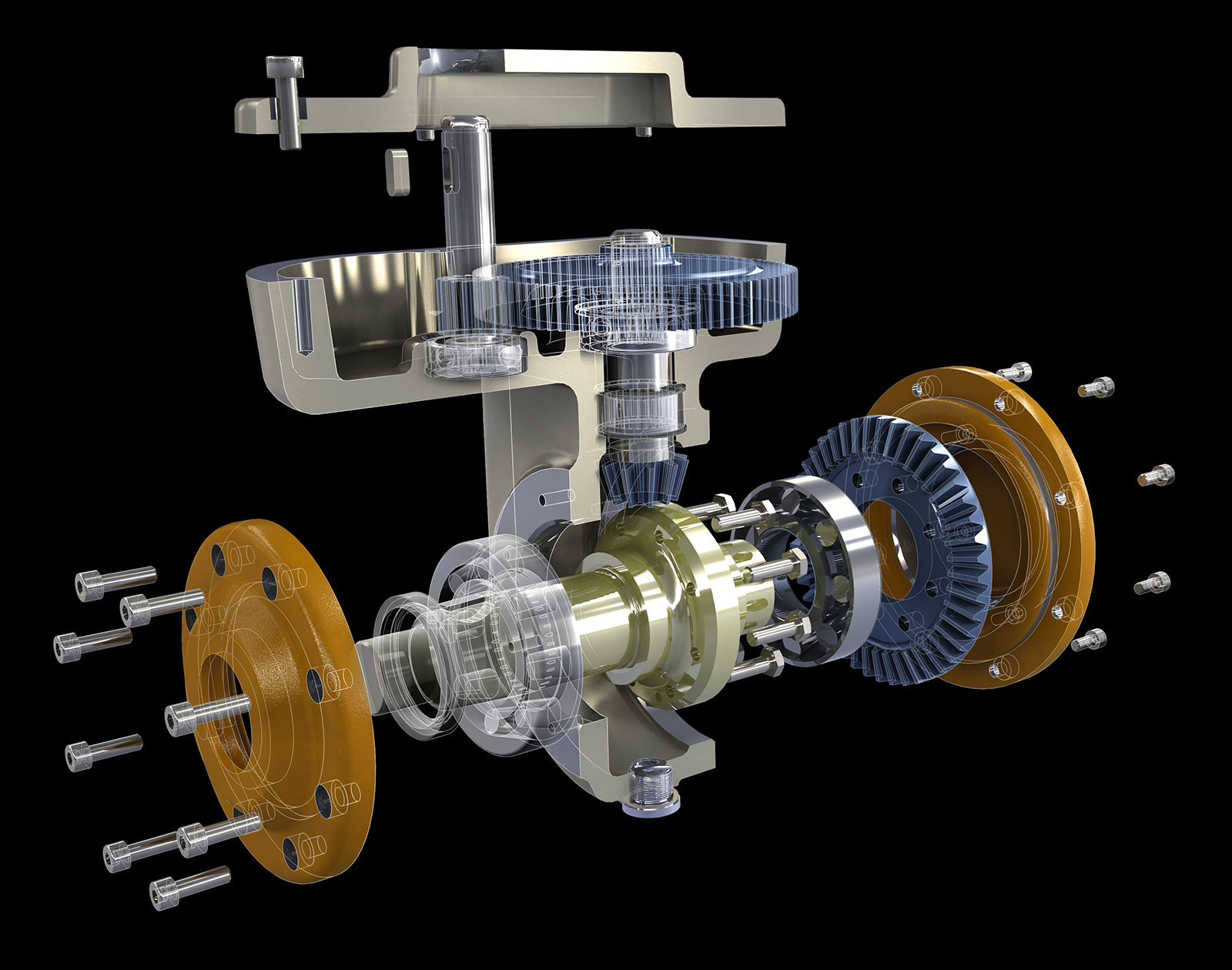
Creation of Expanded Projection and Presentation
15. Subject
Exam
Description
Autodesk Inventor is a comprehensive set of solutions for mechanical 3D design and documentation, cable and piping systems, injection mold design and testing performance characteristics of the products being developed. With Autodesk Inventor, engineers can integrate AutoCAD drawings and other 2D data into a single model, creating a virtual presentation of the final product. Verification of form, tolerances and functionality is carried out using the program long before the product goes into production.
Autodesk Inventor includes a full set of flexible tools for 3D machine creation, product analysis, tooling, custom design, and project data exchange. Autodesk Inventor helps take 3D further with digital prototyping technology, based on a highly accurate 3D model that allows you to design, visualize and analyze products before the first sample is produced. Technology digital prototypes, implemented in Autodesk Inventor, provide an opportunity to improve product quality, reduce development costs and accelerate market introduction.