

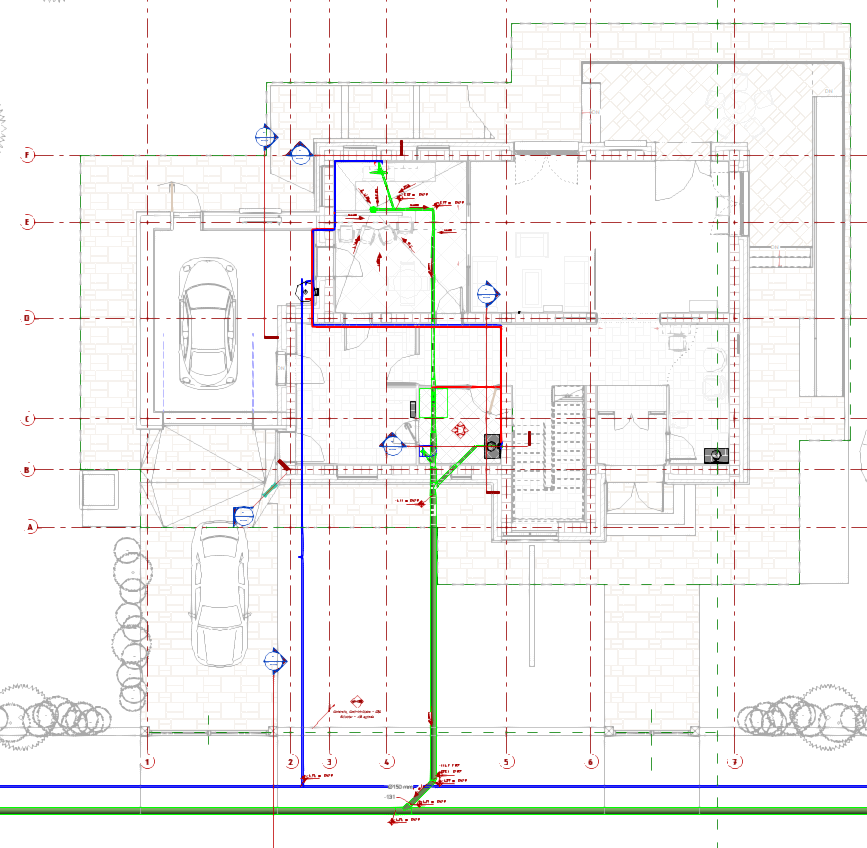
Program for PLUMBING course
1. Subject
Working environment, basic principles of modeling, positioning elements, defining basic view parameters and organizing “Project Browser” (Discipline, Sub-discipline…).
2. Subject
Linking Arch. and Struc. Revit project file. Formation of Levels and definition of Monitoring between the Level of linked files and the Plumbing project. Defining views with different settings for working stroke depth and display.
3. Subject
Basics about pipelines, dimensioning and positioning in space. Piping
4. Subject
Cold water, Hot water, Fecal sewage and Storm sewer. Defining Piping Types, Material and Dimensions in detail.
5. Subject
Understanding of basic Piping Systems. Class and Type difference. Forming new types and defining graphic display. Creating FILTERS and using them for different display variants in views.
6. Subject
Filters and Systems view organization via View Template.
7. Subject
Marking of elements and quotation in views and adjusting labels to our needs. (Tag, Text and Label).
8. Subject
Placement of drawings (Views) on paper (Sheets). Making our Titlebloks formats. Defining framing (Scope Box) for large projects for the same display of parts of the building by floor.
9. Subject
Creation of schematics and drawings that are not related to the model (Drafting View) and Legends. The difference when positioning on paper (Sheets).
10. Subject
Link CAD and Import CAD to a Revit model. Most common Arch. 2D project for a reference. Positioning of Floor Plans and Sections.
11. Subject
Adding insulation to the selected pipes and fittings Add Insulation. Sizing and checking flow and pressure losses by systems (Sizing & System Inspector).
12. Subject
Schedules and Tags – Areas, positions and data bases (tables for the estimates and calculations).
13. Subject
Schedules and Tags – Areas, positions and data bases (tables for the estimates and calculations).
14. Subject
Project Phases – Project development in phases.
15. Subject
Collaboration – – Variants of joint project work.